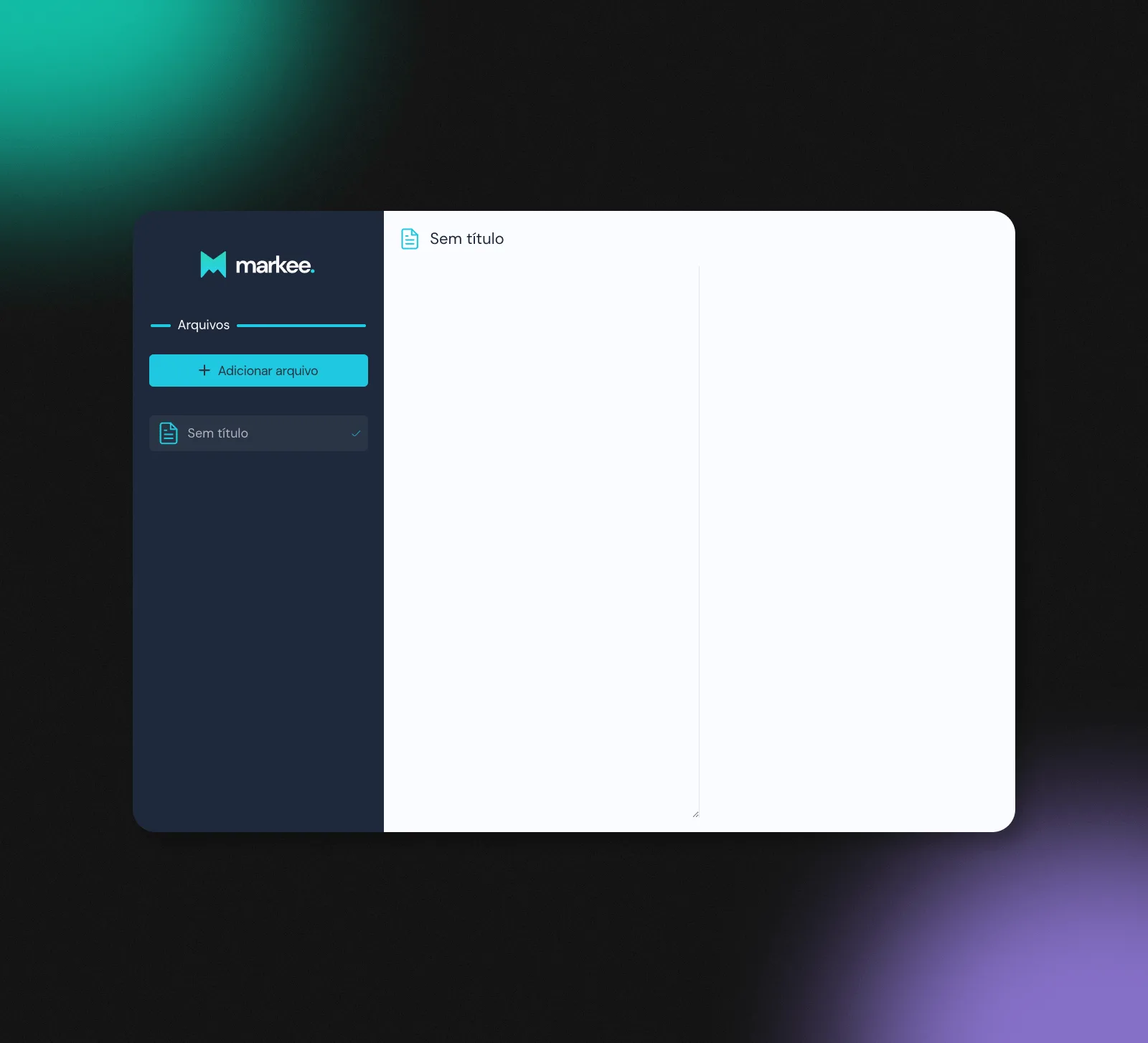
A distraction-free markdown editor that lives entirely in your browser. Write on one side, watch it render on the other, and every keystroke saves itself locally — no account, no server, nothing to lose.
Highlights
Built a two-pane editor — raw markdown on the left, a live rendered preview on the right — that collapses to a single column on small screens.
Persisted every file to the browser with localforage (IndexedDB): notes survive a refresh and a closed tab, with no backend behind them.
Designed an autosave state machine — editing → saving → saved — with a short debounce, so saving feels instant without thrashing storage on every keystroke.
Rendered markdown with marked and lit up fenced code blocks with highlight.js, loaded on demand to keep the editor light.
Markee is a markdown editor that runs entirely in your browser. I built it
during the Brainn.Co bootcamp from a Figma the
mentors handed us: write on the left, watch it render on the right, and never
once think about saving. That last part turned out to be the whole personality
of the app.
The premise: your notes, on your machine
A markdown editor is a small idea with a lot of hidden corners. I wanted one with
no account, no sync, and no server to go down — you open the tab and your files
are already there. That decision pushes every interesting problem onto the
client: where do files live, when do they save, and how do you make "saved" feel
trustworthy when there's no backend to confirm it?
One hook holds the whole app
Every file — its name, its content, which one is active, and its save status —
lives in a single useFiles hook. The two surfaces, a sidebar list and the
editor, are pure functions of that state; creating, switching, renaming, and
deleting are all just transformations of one array:
Keeping it in one place meant I never had two components disagreeing about which
file was open — a class of bug I'd created in earlier projects by scattering
state around.
Making "saved" feel safe
Autosave is easy to get wrong in both directions: save on every keystroke and you
hammer storage; save too rarely and you lose work. So saving is a tiny state
machine — editing → saving → saved — driven by a debounce. The instant you
type, the file is editing; once you stop, it settles through saving to
saved:
That status drives a small icon in the sidebar: a spinner while it saves, then a
checkmark that draws itself on with an SVG stroke animation. It's a flicker of
motion nobody asked for — and it's the exact moment the app earns your trust.
The persistence underneath is almost boring, which is the point. Whenever files
change, localforage writes the array to IndexedDB; on load it reads it back, and
if there's nothing there yet it creates your first file for you:
The active file's id even rides along in the URL through history.replaceState,
so a note feels like a place you can link to and come back to.
The preview
The right pane is your markdown, rendered. marked
turns the text into HTML and highlight.js colors
fenced code blocks — pulled in with a dynamic import() so the highlighter stays
out of the bundle until there's actually code to highlight. On narrow screens the
two panes stop sitting side by side and stack instead.
Good autosave is invisible. You should never have to wonder whether your work
is safe — the interface should have already told you, quietly.
What I'd do differently
This was an early project, and it shows in ways both good and bad. useFiles
grew into one hook that does everything; today I'd split persistence from UI
state and probably model the save status with a real state-machine library
instead of nested setTimeouts. The preview renders with
dangerouslySetInnerHTML straight off marked — fine for notes you write
yourself, but it should pass through a sanitizer like DOMPurify before I'd trust
it with anyone else's markdown. And the rendered text leans on
word-break: break-all, which chops words mid-letter; overflow-wrap would
break only when it has to. Small things — but they're precisely the kind of
detail the rest of my work has since become about.